
This script returns file-level size and free space information for all databases on a SQL Server instance. It shows how much space is allocated, how much is used, and how much free space remains inside each data and log file.
This is a go-to check when reviewing storage usage, investigating unexpected growth, or validating capacity before maintenance or deployments.
If you want a deeper explanation of how SQL Server calculates file usage and how to interpret the results in different scenarios, see Get Database Sizes and Free Space in SQL Server.
The Script
Example Output
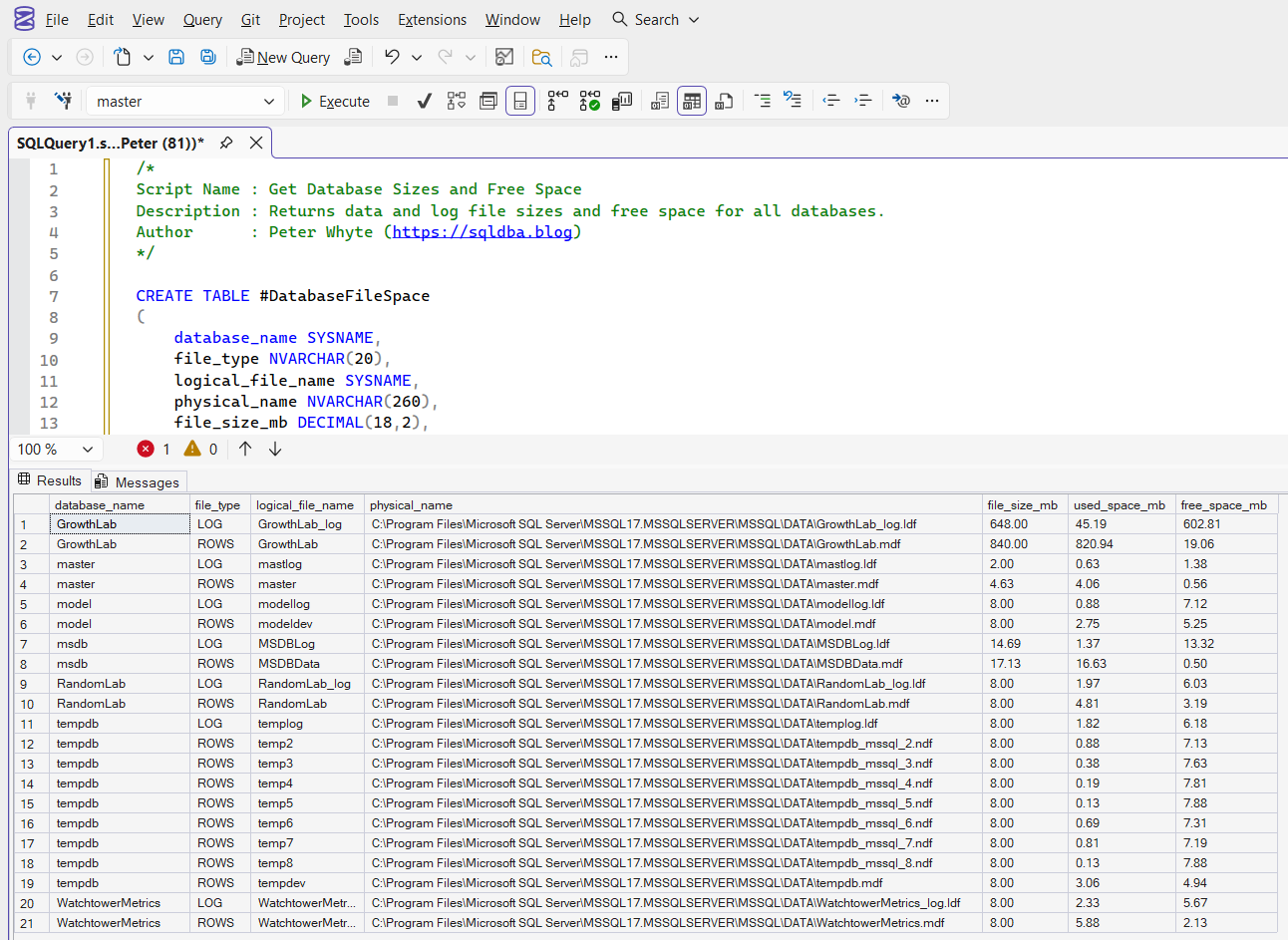
The result set shows one row per database file, covering both data files and log files.
For each file, you get the total file size, how much space is currently used, and how much free space remains inside the file. This makes it easy to distinguish between real data growth and files that are already allocated but largely empty.
Notes
- Reports free space inside database files, not free disk space
- Includes both data files and transaction log files
- Useful for identifying over-allocated files and growth risk
- Common first check during storage or capacity investigations
Leave a Reply